[Bug] Groupy window restores incorrectly after monitors wake from standby in dual-monitor vertical setup
from  Stardock Forums
Stardock Forums
Hi, just reporting a bug with Groupy. I do not really expect much, but this looks reproducible enough that I figured I should post it.
Environment:
- Windows 11 26200.8246
- RTX 5090
- Groupy
- FancyZones
- Visual Studio
Monitor layout / configuration:
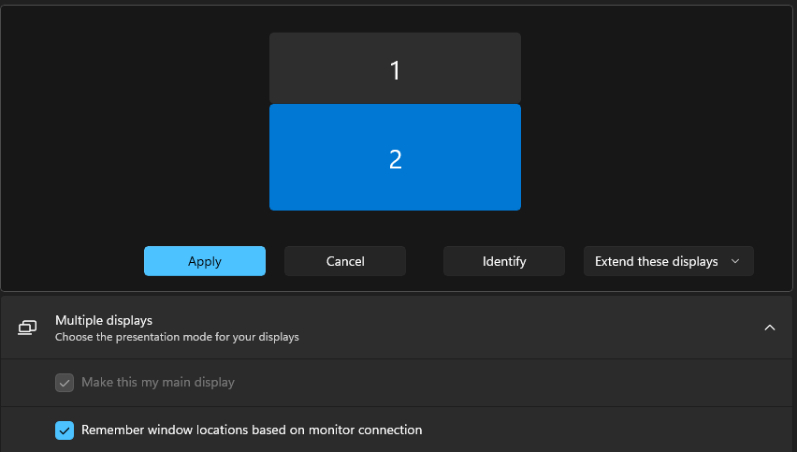
- Vertical stack
- Top monitor = Display 1 = Samsung Odyssey G91F = 5120x1440 @ 119.99 Hz (fixed)
- Bottom monitor = Display 2 = LG UltraGear+ 5K2K = 5120x2160 @ 165 Hz (fixed)
- Current Windows main display = Display 2 (bottom monitor)
Important note:
- I can change which display is the Windows main display, but I have not changed it for this setup/test
- I have not been able to make Display 1 become Display 2 or Display 2 become Display 1, swapping cables does not make 1 = 2 or 2 = 1
Primary issue:
When I put Visual Studio into a Groupy window on the top monitor (Display 1), then let the monitors go into standby, the Groupy window is not restored correctly after wake. Issue does not present when Visual Studio is in the bottom monitor (Display 2/main display).
Steps to reproduce:
1. Use this monitor layout:
- Display 1 = top = Samsung Odyssey G91F
- Display 2 = bottom = LG UltraGear+ 5K2K
2. Current Windows main display is Display 2 (bottom)
3. Use Groupy + FancyZones
4. Open Visual Studio
5. Put Visual Studio into a Groupy window/tab group
6. Place that Groupy window on the top monitor (Display 1)
7. Let the monitors go into standby
8. Wake the monitors
9. Observe how the Groupy/Visual Studio window restores
Expected result:
- Window restores to the same monitor
- Same size / same position
- Correct client area
- No clipping / padding / cursor mismatch
Actual result:
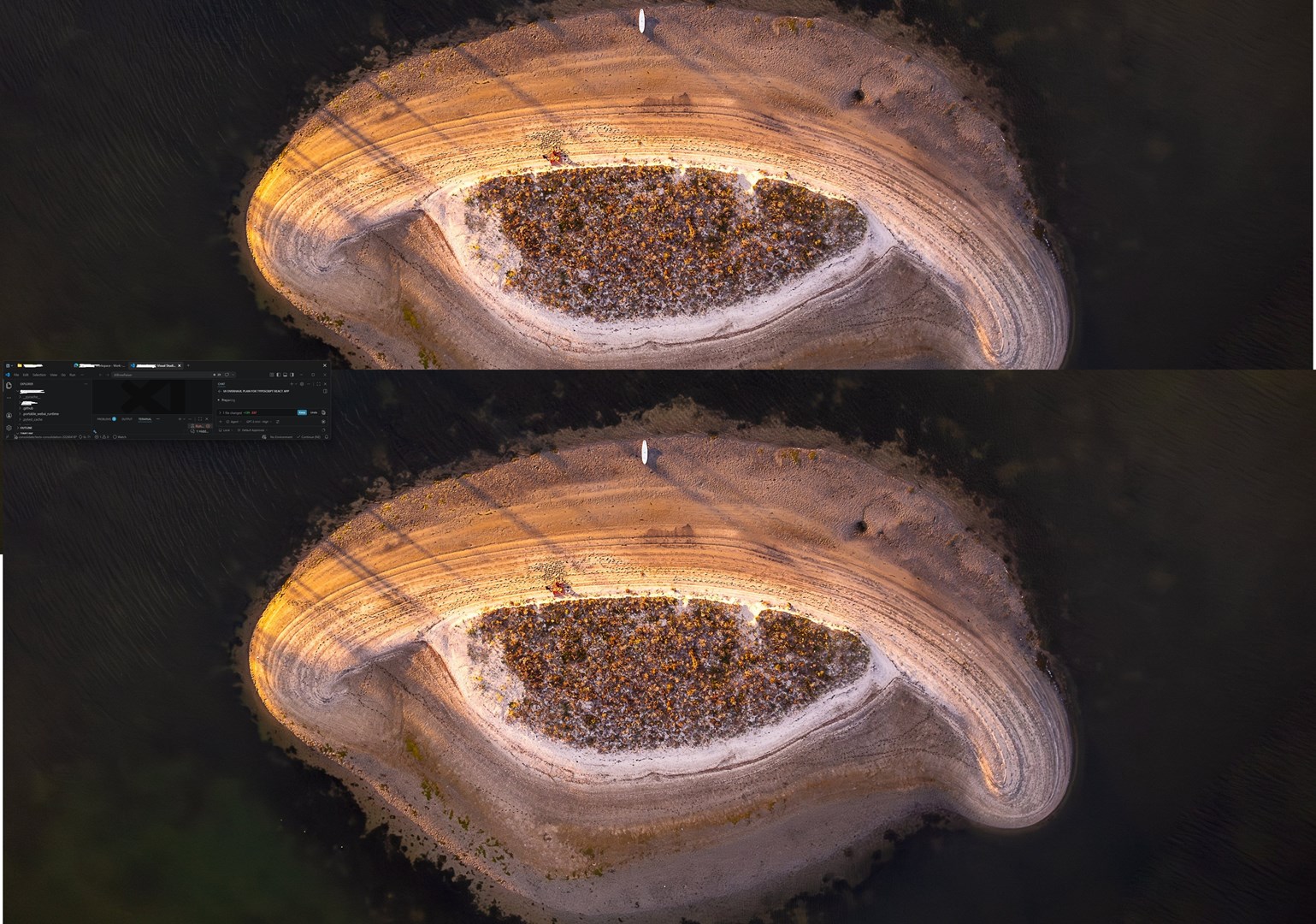
Sub-issue 1:
- The window is compressed
- It is moved to the wrong (bottom) monitor
- The Groupy titlebar protrudes into the correct (top) monitor
- Vertical height is always incorrect
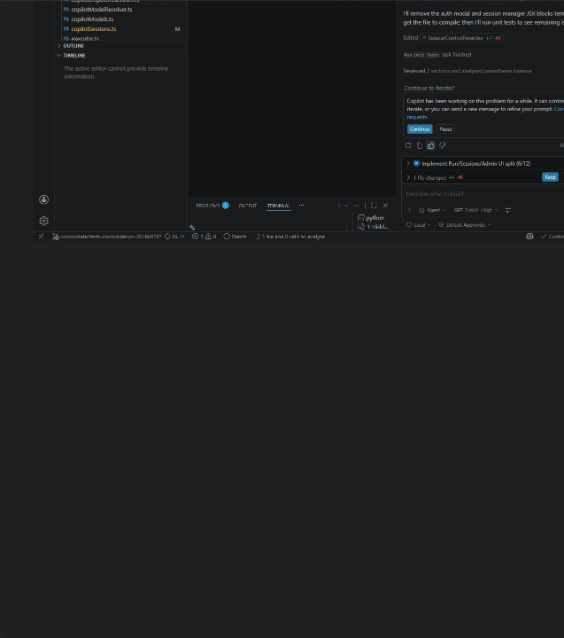
Sub-issue 2:
- The window has significant amounts of padding
- The cursor does not match what is displayed
- Mouse interaction follows where the window should be, not what is actually visible
- If this happens, resizing seems to make it progressively worse / add more padding
Behavior / pattern:
- As far as I can tell, sub-issue 1 generally always happens unless sub-issue 2 has occurred instead
- If sub-issue 2 has occurred, it tends to continue occurring and gets worse with additional resizes
Workaround:
- The only way I have found to reset it is to fully close and reopen Visual Studio
Screenshots showing:
- the incorrect restored position
- the padding issue after resizing
- Windows display settings