Hi Steffen,
Thank you for posting.
Dear Basj, it works ok now, but the option:
>Settings >Appearance >Visibility of tabs >always works. The 2nd options options > only for active windows does mot work. With this there are no tabs at all.
Any good idea?
Steffen
End of klaer_it's quote
I believe I've reproduced something worth looking at with this, and have it logged.
- Internal reference: ODNT-12192
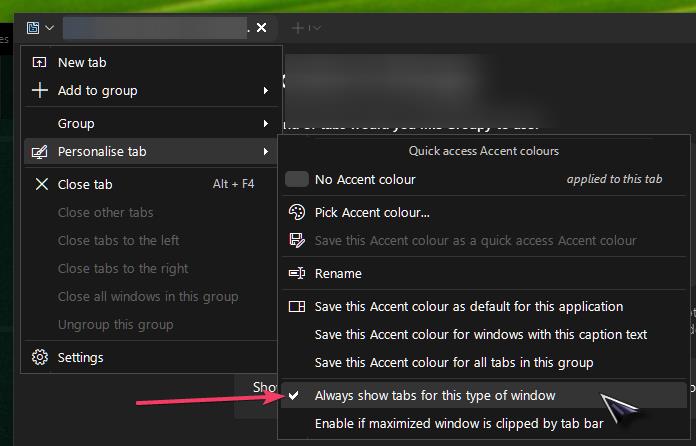
Some applications (Microsoft Word in my particular test) can have the top bar set to be always visible with Groupy, and that 'Groupy bar' will appear, regardless of mouseover or not (when Tab appearance -> Always visible is selected).
However, if "Show on active windows" from tab appearance is selected instead, I now have to mouseover the top of MS Word to make that same Groupy title bar appear.
A few questions to help clarify your experience here:
1. Does my description above sound like what you're experiencing now? (If there's anything else, a screenshot image or video upload in your reply may help to clarify what you're seeing, with a complete description of what you're expecting to happen).
2. Does the ("no tabs at all") issue only occur for some applications, or all of them? Which ones? Are they Grouped, or on their own?
3. When you say, "there are no tabs at all" does a mouseover on the top of them make the Groupy tab appear at the top?
Please let us know, and we'll have your answers added to our log for review.
Best regards,
Adam McGuinness
Stardock Support Specialist


 Stardock Forums