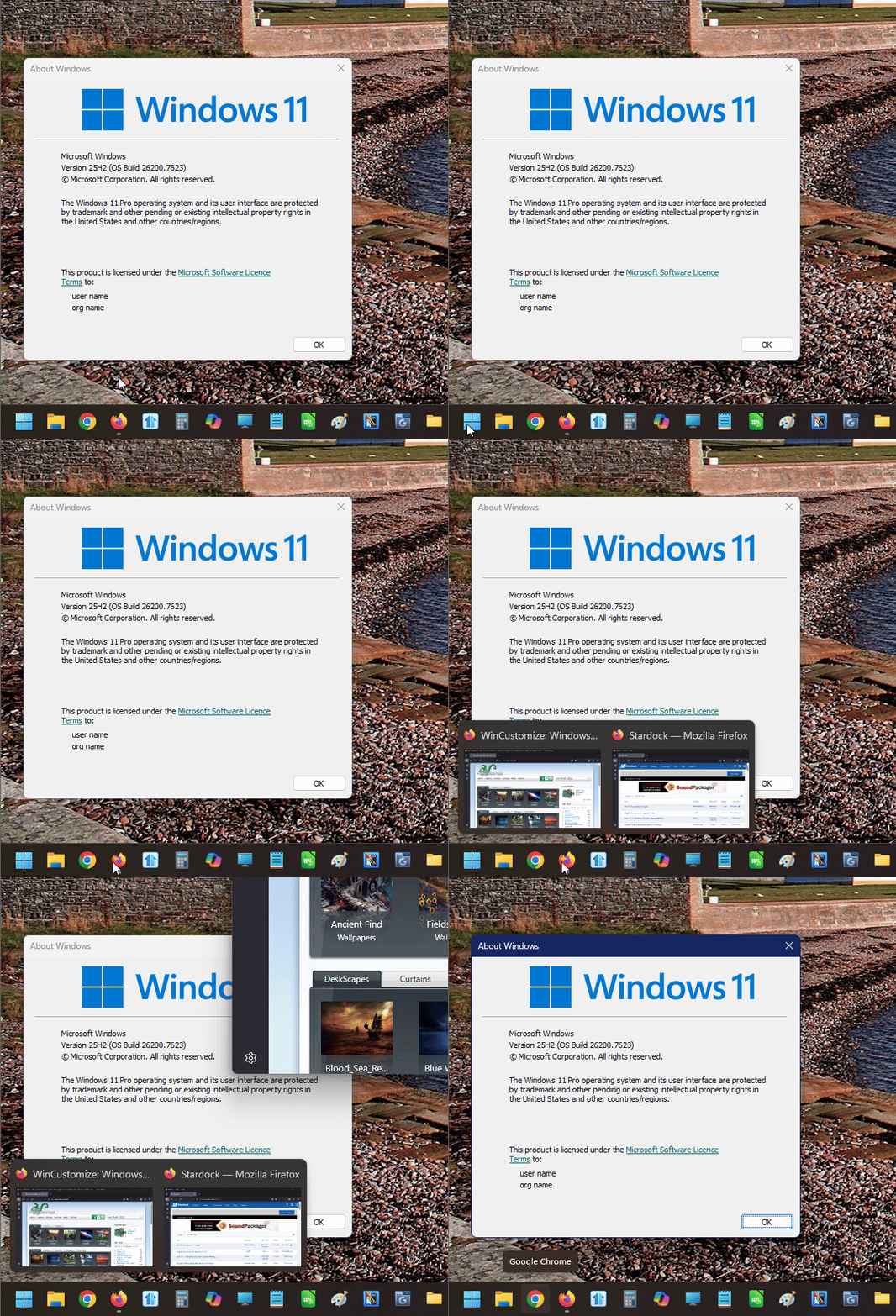
Start11 Grouped Icons Issue

Click Twice on Multi-Windows

In Start 11, if a program has more than one window open, such as File Explorer, and I just click on the icon, nothing happens.  I have to click on the icon, then select the window that I want, which can be super annoying when you just want to go to the most recent window that was up.  Is there any way to bypass this, or is this a known bug?  This happens for any program that has more than one window up.  For instance, it also happened with Steam, when there was the main steam app, but then the separate news window.  I had to click the Steam icon, then click on the window I wanted.  Just open both, or open the most recent.  

566 views 7 replies
Reply #1 Top

Hello,
Sorry to hear you are having issues. I believe this is the same behaviour as Windows 11 default taskbar with it combine taskbar button. However, have you tried the never combine taskbar option and if you don't wish to have the text appear, you can turn on the "Always hide text on buttons regardless of group state". This way you have two or more taskbar button individually on the same apps without text in it.

Thank you,
Basj,
Stardock Community Assistant.

Reply #2 Top

No, this is definitely NOT the same behavior as the default W11 taskbar.  When I click an icon that is grouped on Windows 11, and there are multiple windows, it just opens all windows.  If I want a specific window, THEN i hover and select which window I want.  But if I just click the icon when multiple windows are open, it just reveals all the windows, with the most recent being on top.

And no, I haven't tried "never combine" because I want them to combine.  I can't imagine have four separate file explorer icons, none of which are labeled, and then I have to guess which one I actually want.

Reply #3 Top

Strange, this is what I get on my Windows 11 system without Start11, clicking on the taskbar button do not restore the last active windows. Perhaps you on different Windows version?

Thank you,

Basj,
Stardock Community Assistant

Reply #4 Top

I would recommend installing v 2.7 beta as there were changes to combined taskbar buttons.

However I can promise that Start11 should mirror what the OS does.  It is worth noting there may have been a change in this behaviour from the OS in recent updates from Microsoft.

Reply #5 Top

Hi,
I'm having a similar problem but it's opening another pinned app when there are 2 windows opened for the same app.
Recommending to install a Beta version is not what I expect from you.
When is 2.7 gonna be out of beta?

Thanks

Reply #6 Top

Quoting Tof006, reply 5

Hi,
I'm having a similar problem but it's opening another pinned app when there are 2 windows opened for the same app.
Recommending to install a Beta version is not what I expect from you.
When is 2.7 gonna be out of beta?

Thanks

I would suspect in the next few weeks.

Installing the beta version is the quickest route to a solution which is why it was suggested as your particular issue is an issue that was addressed specifically in the beta.  It will move to release status in the next few weeks if you want to wait.

Reply #7 Top

I do stand corrected.  I think the issue is the delay.  in the default taskbar, when I hover, it's nearly instantaneous, but there seems to be a slight delay in the Start11 taskbar when hovering over an icon.