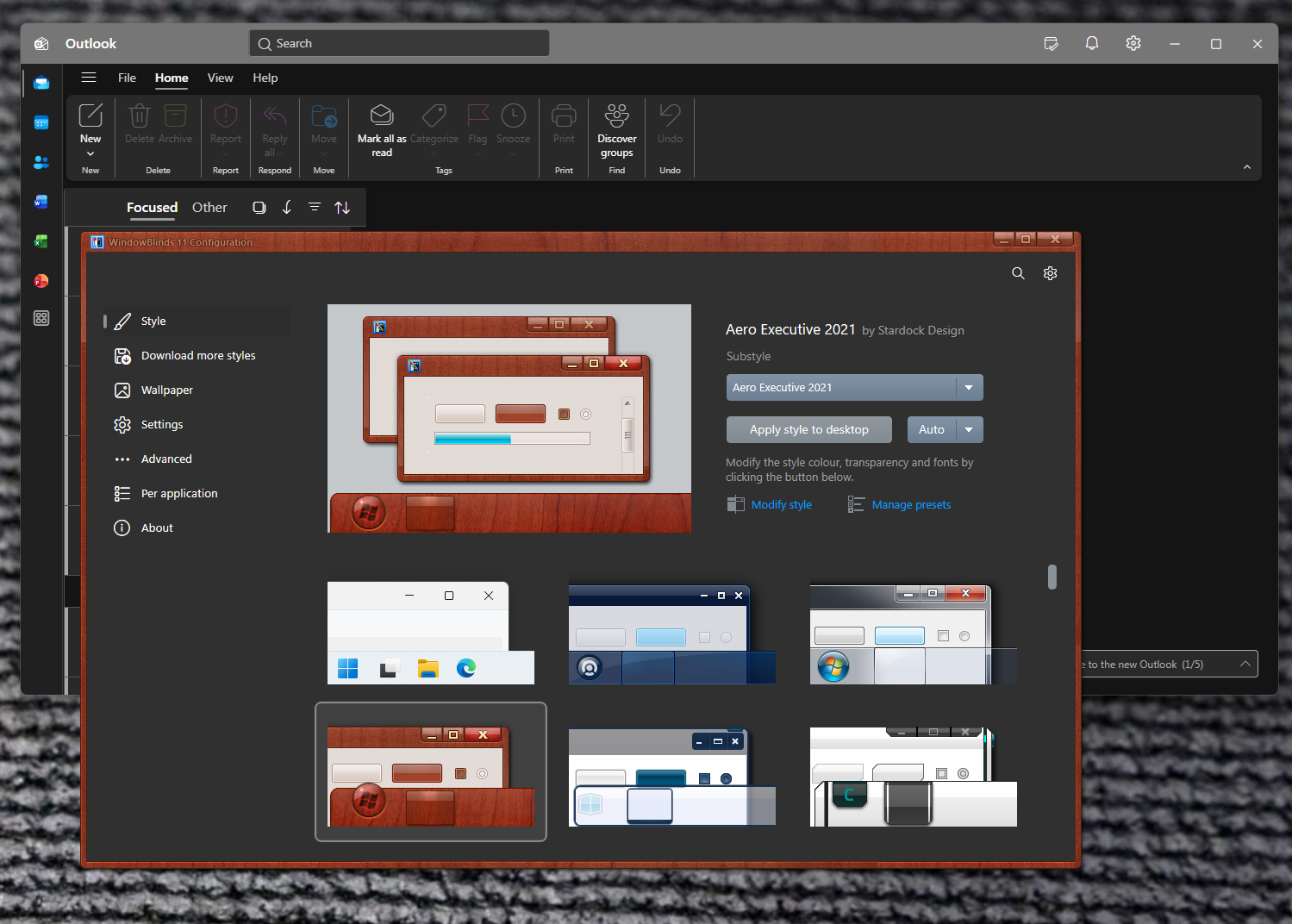
Same thing is happening to me. It makes Windowblinds pretty much unusable at work.
Hello,
Sorry to hear you are having issues. We need more information.
- Windows 10 or 11? full version and OS Build number. Please use Winver.exe
- Windowblinds full version number.
- The issue appear on any Windowblinds theme? If not, please list down few theme that you having issue with.
- Do you have any other application running in the background which also change how your system work, such as StartAllBack, ExplorerPatcher, WindHawk, OpenShell etc
As a reference, this is what I get on my system. But, on my system, I have "ApplicationFrameHost.exe" excluded/ignored in my Windowblinds Per application setting. Doing this will force all universal application excluded.

Thank you.
Basj,
Stardock Community Assistant.